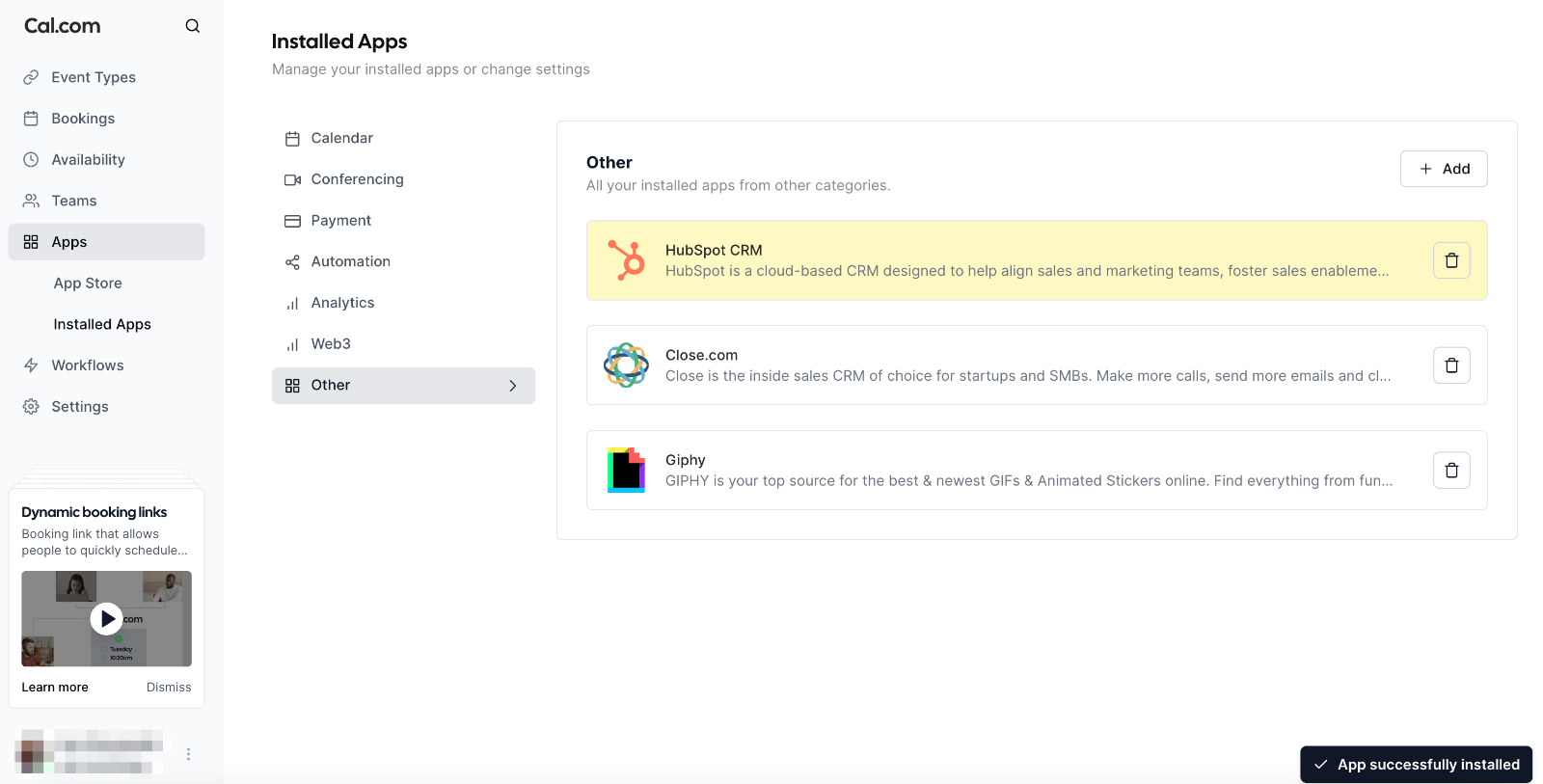
Go to the Cal.com App Store: Visit the HubSpot app page in the Cal.com App Store and click the Install button.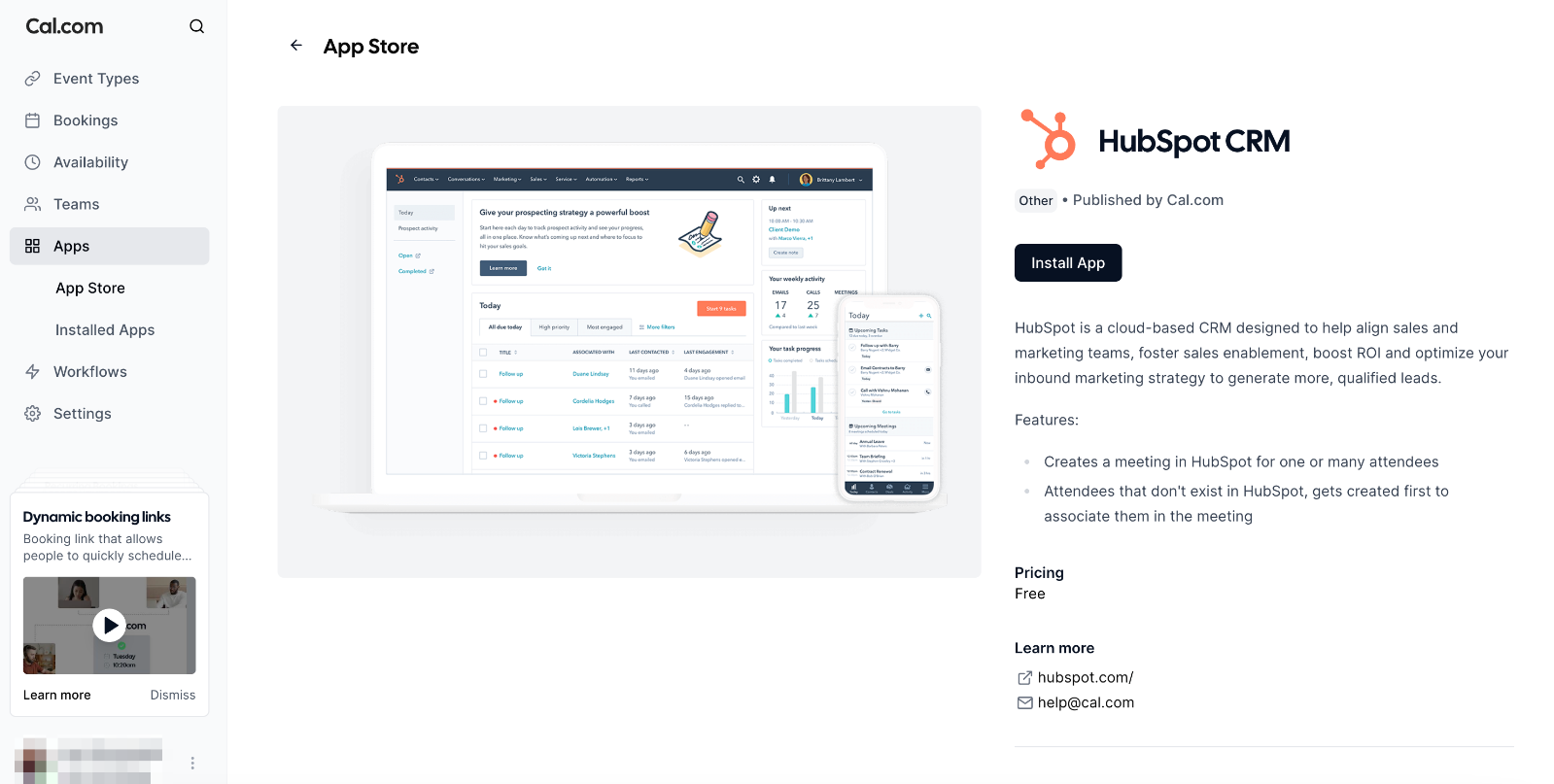
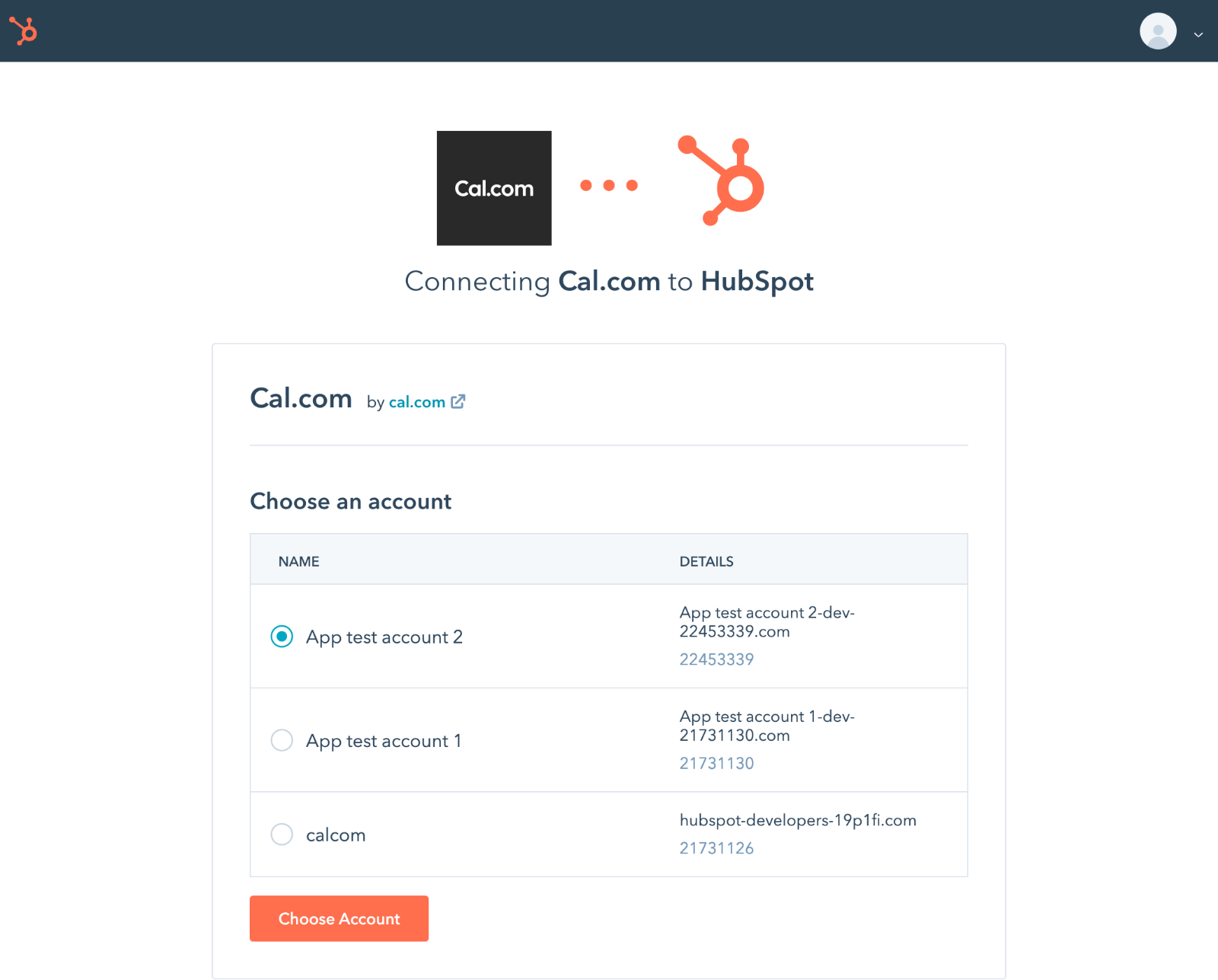
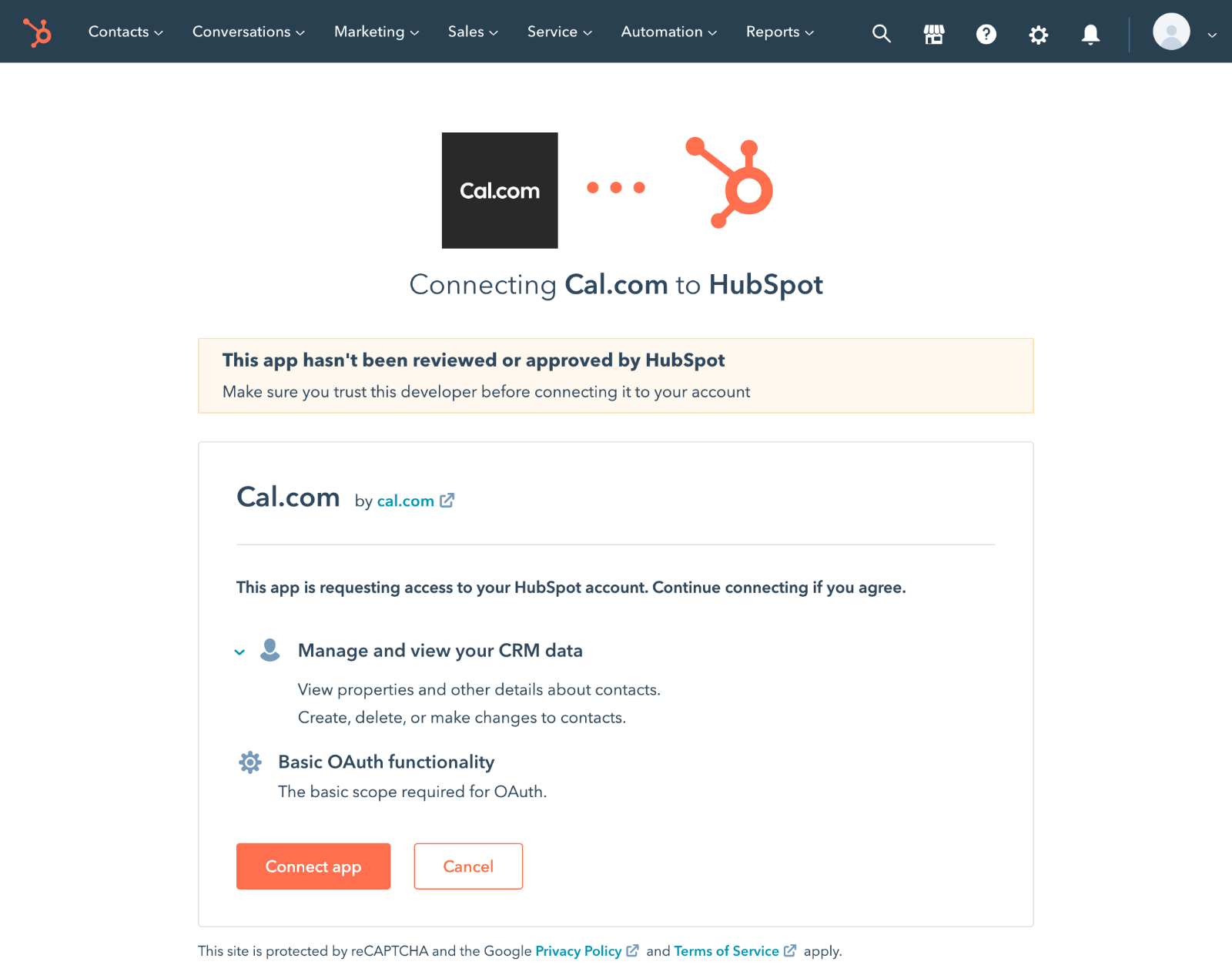
Choose Your HubSpot Account: A new window will pop up asking you to choose the HubSpot account you want to connect. Select the correct account from the list.